Terminal::MultiProgress
NAME
Terminal::MultiProgress -- Report progress on multiple things at once in your terminal
SYNOPSIS
use Terminal::MultiProgress;

# make a new widget, see below for options
my $prog = Terminal::MultiProgress.new: title => 'race';

# events can be hashes or objects, with optional timestamps
my $events = supply {
   emit %( :id<hare>,     :status<started> );
   emit %( :id<tortoise>, :status<started> );
   sleep 5;
   emit %( :id<hare>,     :status<finished> );
   sleep 10;
   emit %( :id<tortoise>, :status<finished> );
}

# Use run to send the output to the terminal (blocks until it finishes)
$prog.run: $events
Output will be status lines that are updated as time goes by. Updates happen every second, starting with
hare started ...                      00:00:00
tortoise started ...                  00:00:00
and ending with
hare started ...... done            ✓ 00:00:02
tortoise started ............ done  ✓ 00:00:03
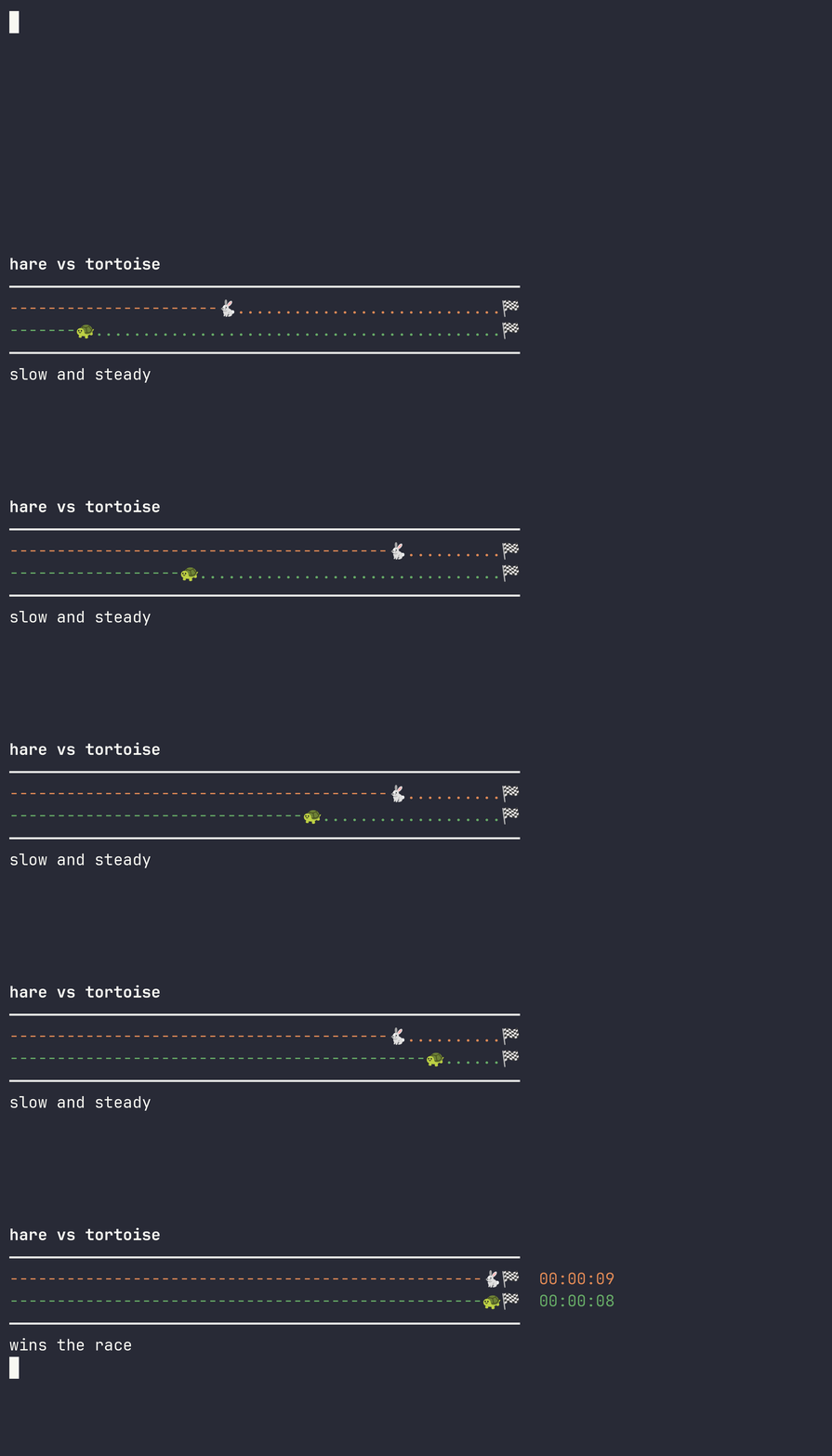
See below for how to control the output format, and for more interesting examples. Or download the examples in eg/ and run them. e.g. Who will win this race? (these are custom progress bars)
$ raku eg/race.raku

--------------🐇....................................🏁
-----🐢.............................................🏁
And how long will it take for all these exciting modules to be installed? eg/installer.raku has a set of multiple events in progress being monitored in a fixed scroll region, with completed events being pruned.
installing 67 packages
⠧ 00:00:08 left-pad               =====[28%]
⠙ 00:00:08 middle-pad             ===================[98%]
⠇ 00:00:08 no-pad                 =================[88%]
⠦ 00:00:08 double-pad             =================[88%]
⠋ 00:00:08 is-even                =======[38%]
⠼ 00:00:03 is-odd-ish
⠏ 00:00:00 indent
⠴ 00:00:00 dedent
(109) completed: 3   running: 8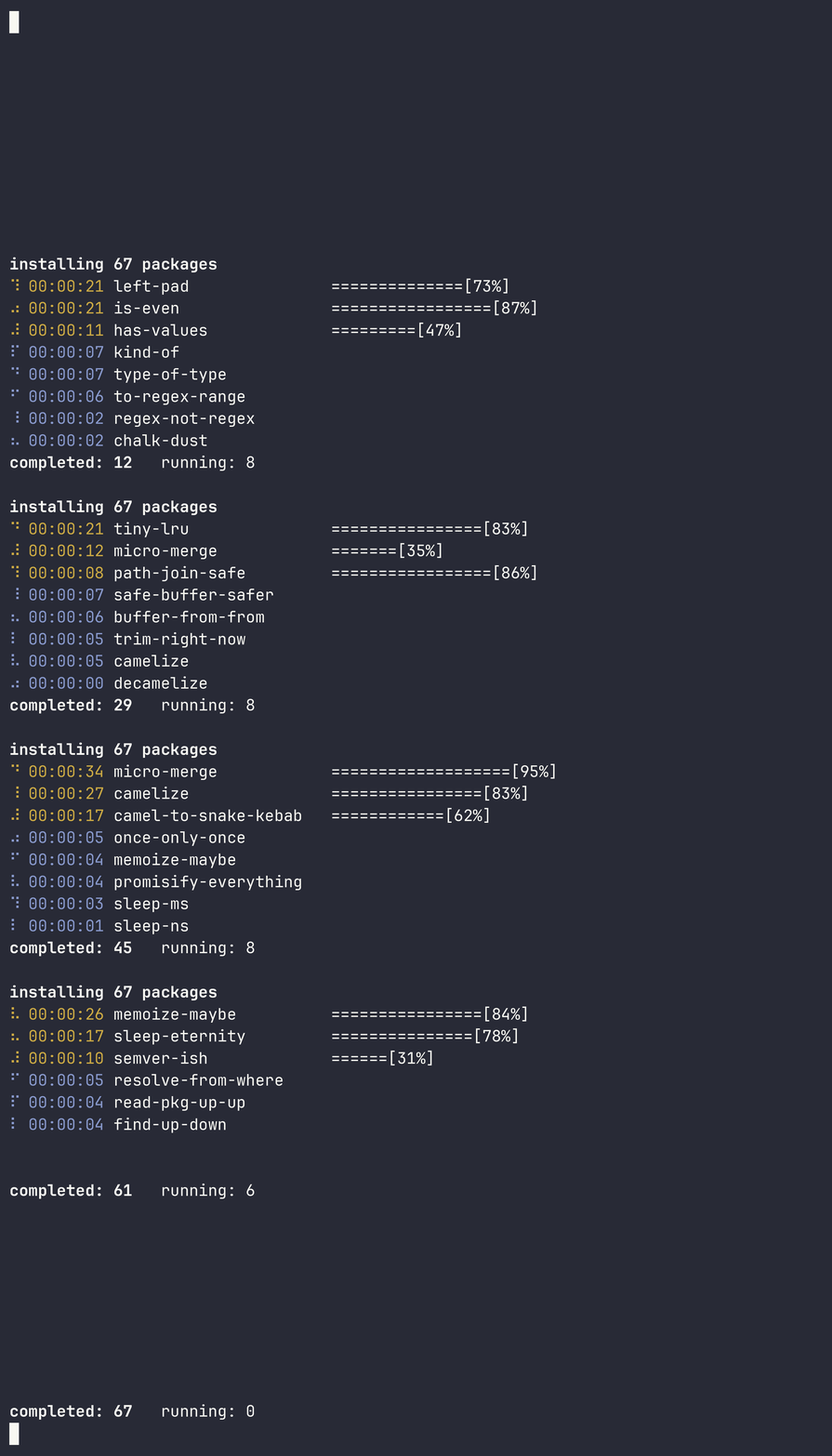
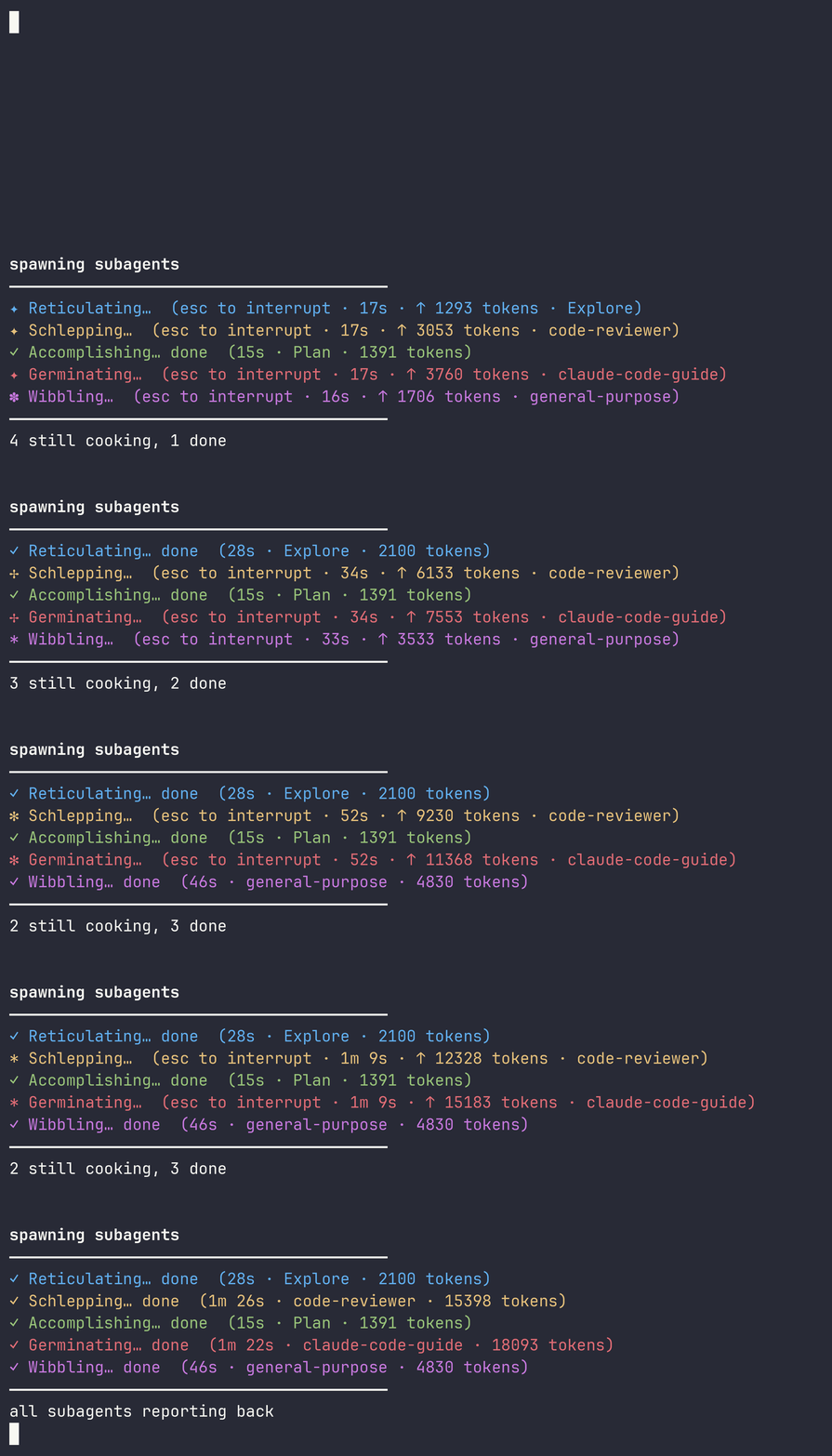
And let us watch this amazing LLM in action doing so many unfathomable things
DESCRIPTION
This module is for generating multiple progress bars on your screen for a collection of asynchronous events. It provides an interface for configuring the look and feel of the output and then receives a Supply of events. Each event needs an an identifier which is used to find the right row to update. Scrolling and reaping completed events is handled properly. There is also an update option for managing updates -- this receives a object with enough context to generate a status line that will be updated in place for that identifier.
The list of attributes below can be passed to constructor and affect the appearance and behavior of the widget.
ATTRIBUTES
show-title-- draw thetitleabove the entries?title-- heading shown whenshow-titleis setshow-frame-- draw a ruler above and below the entries?rule-width-- width in columns of theshow-framerule linesshow-summary-- draw a completed/running count below the entries?summary-line--sub (:$completed, :$running, :$visible, :$tick)returning the text for the summary rowfull-screen-- take over the whole terminal instead of drawing below the cursor?max-rows-- limit on visible entries; older ones scroll off when exceededrunning-color-- default text color for entries that are still running (default: xkcd "sand",#e2ca76)finished-color-- default text color for entries that have finished (default: xkcd "grey green",#789b73)tick-- seconds between redraws of running entriestrap-sigint-- stopruncleanly on SIGINT? (default true)clear-finished-- remove an entry's row once it finishes?update--sub (Terminal::MultiProgress::Update)returning the text for an entry's row. See UPDATES below.
METHODS
new-- construct a widget; takes the attributes above as named argumentsrun(Supply $events)-- consume events and draw until the supply is done. See below for the format of events.
EVENTS
Events that are sent to run can be either a hash or a Terminal::MultiProgress::Event object.
The object has timestamp (DateTime), identifier (Str) and status (Status enum) attributes. The status enum is either Started or Finished.
The hash can contain these keys which will autocreate an object.
* id/identifier -- the id for the event update
* timestamp -- when it was updated (default now)
* status -- a string containing start or finish/end
UPDATES
The update callback receives a Terminal::MultiProgress::Update object which has an id, elapsed time (seconds), finished for whether the status is finished, and last which is the last line that was drawn for this item.
EXAMPLES
See the eg/ directory for examples.
AUTHOR
Brian Duggan