jmp
jmp
jmp helps you jump from search results, command output, and recent history straight into your editor.
It is built for everyday workflow navigation: search across files, inspect a preview, and open the right location without leaving the terminal.
Go implementation
A Go implementation is available at https://github.com/nige123/go-jmp.nigelhamilton.com.
New features are implemented in this Raku project first, and then carried over to the Go version.
Install
Install from the ecosystem:
zef install jmpInstall from a checkout while developing locally:
zef install .Requirements
Raku / Rakudo
A terminal that supports
Terminal::UIA text editor command available in your shell
A search command such as
rgconfigured in~/.jmp
Commands
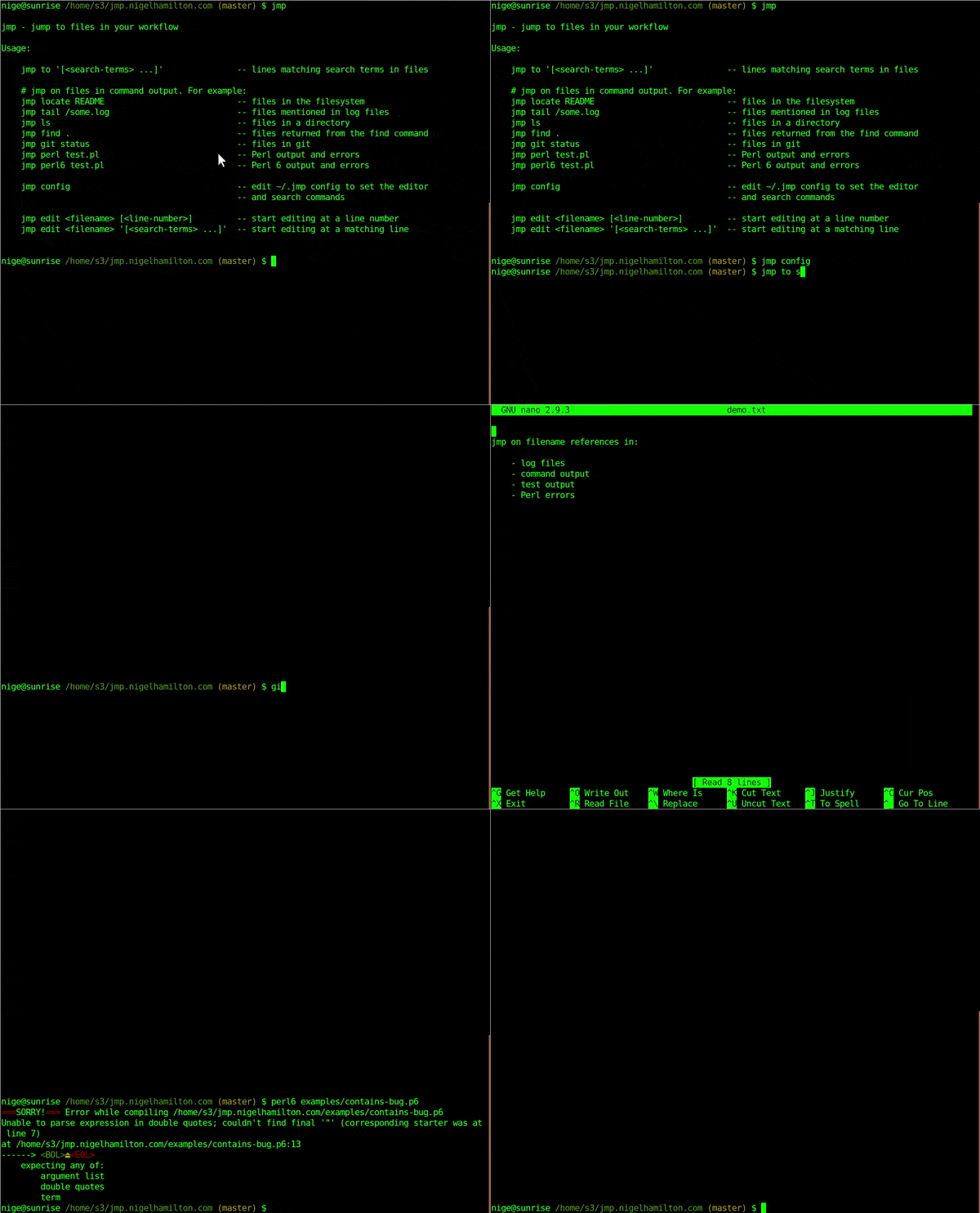
jmp                                         show most recent hits
jmp to '[<search-terms> ...]'               search files and jump to matching lines

# jmp on files in command output. For example:
jmp on locate README                        files in the filesystem
jmp on tail /some.log                       files mentioned in log files
jmp on ls                                   files in a directory
jmp on find .                               files returned from the find command
jmp on git status                           files in git
jmp on perl test.pl                         Perl output and errors
jmp on raku test.raku                       Raku output and errors

jmp config                                  edit ~/.jmp config to set editor and search commands
jmp help                                    show command help

jmp edit <filename> [<line-number>]         start editing at a line number
jmp edit <filename> '[<search-terms> ...]'  start editing at a matching line
Typical Use
Search the codebase and open the right match:
jmp to parser grammar tokenDrive jmp from another command:
jmp on git status
jmp on rg TODO
jmp on prove -e raku t/
Open a file directly at a line:
jmp edit lib/JMP/UI.rakumod 120TUI Keys
Inside the interface you can:
move through hits with the arrow keys
press
Enterto open the selected hit in your editorpress
Rightto inspect a previewpress
Leftto return from preview to resultspress
tto enter a new text searchpress
oto run a command and jump on its outputpress
hto show help in the preview panepress
Escto back out of prompts or leave the interface
Configuration
Run:
jmp configThis opens ~/.jmp, where you can configure the editor command and the search command used by jmp to.
Release Notes
See CHANGES.md for release history.
Support